
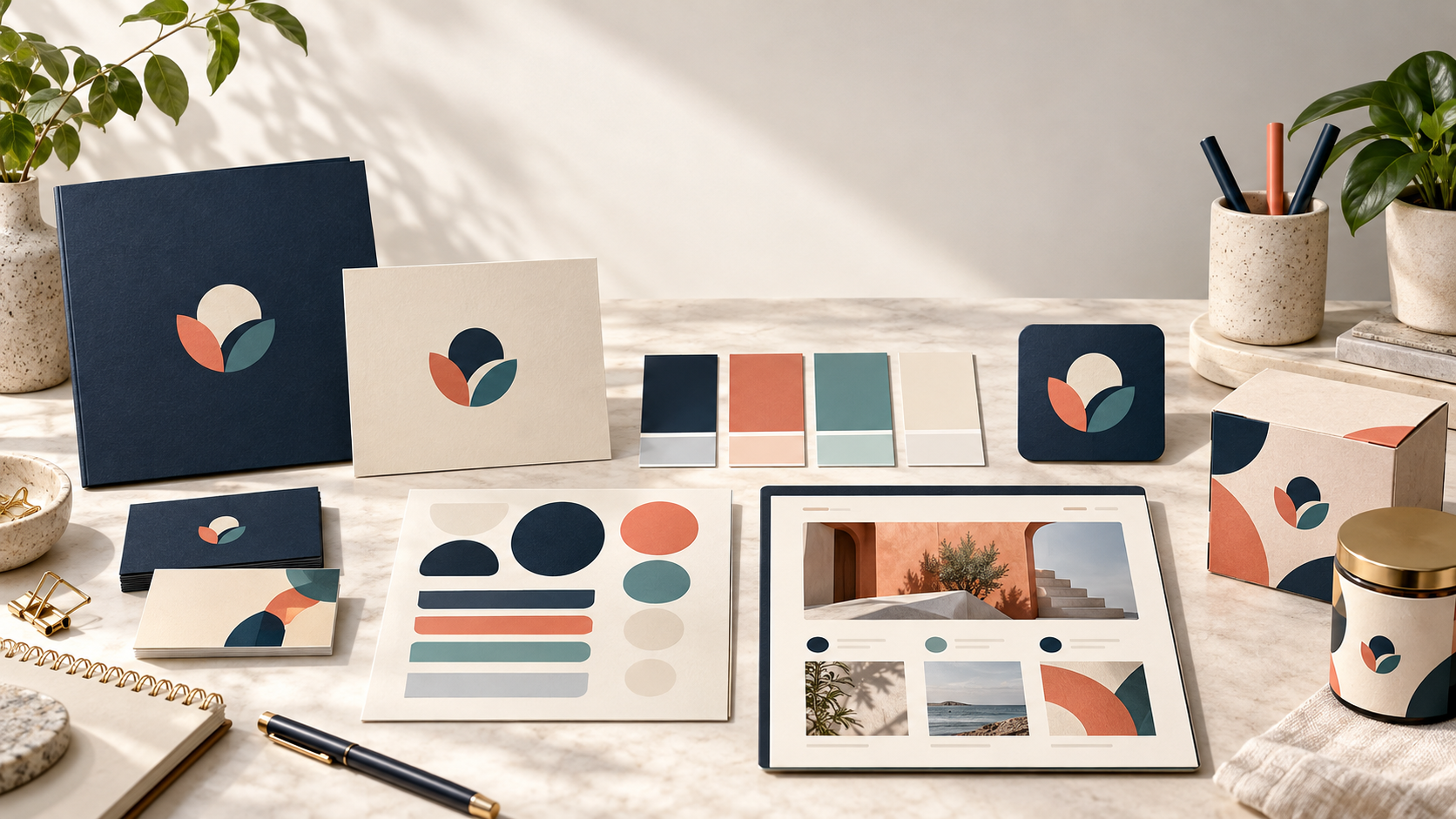
Updated October 2026. A new business does not need every possible brand asset before it opens, but it does need a clear and usable foundation. Customers should recognize the same company on your website, social profile, quote, storefront, packaging, and email. A short branding checklist helps you create the essentials in the right order, avoid inconsistent last-minute decisions, and leave room for the identity to grow.
This guide covers the strategy, words, visual assets, templates, and practical checks to complete before launch. It follows the same principle described by Business.gov.uk’s branding guidance: define the business and customer first, then shape the identity and document how it should be used.
1. Write down what the business stands for
Start with a short description of why the business exists, what problem it solves, and what you want to be known for. This does not need to sound like an advertising slogan. Write the explanation in plain language so a designer, employee, and customer can understand the same idea.
Define three to five values that can guide decisions. “Friendly” is useful when it changes how you write an email or greet a customer. “Reliable” is useful when it changes your booking process, delivery promise, or service follow-up. Values become part of a brand when the business can show them through behavior.
2. Identify the customer and the situation
Describe who you want to serve, where they will find you, what they need, and what might make them hesitate. A new bakery, commercial contractor, software service, and local therapist all need different visual cues because customers make different decisions in different contexts.
List the first places customers will meet the brand. Include the website, search profile, social channel, storefront, vehicle, product, proposal, invoice, packaging, or uniform that applies to your business. This list determines which assets are essential before launch and which can wait.
3. Review competitors and category patterns
Collect examples from businesses customers may compare with you. Look at names, colors, type, photography, symbols, and the tone of their copy. The goal is to understand what feels familiar in the category and where your business could be distinct while remaining credible.
Record what you want to avoid as well as what you admire. “We want to feel calm and precise, not playful and loud” gives a designer a useful boundary. A mood board can show atmosphere, materials, or environments rather than copying another company’s logo.
4. Choose the name and check how it works
Use the exact business name you intend customers to see. Check spelling, capitalization, pronunciation, and how the name looks in a browser tab, social handle, invoice header, and spoken introduction. If the name is long, decide whether an initialism or short form will appear in some contexts while keeping the full name available.
Before investing heavily in signs or packaging, investigate whether the name and proposed identity create conflicts in the markets where you will operate. Business naming, domain, company registration, and trademark questions can involve different rules, so obtain appropriate professional guidance for your situation.
5. Create a logo that can travel
A launch logo should be recognizable, readable, and flexible. Decide whether a wordmark, icon, combination mark, or another structure fits the name and applications. If you are unsure, leave the style decision open in the brief and ask the designer to recommend the best route for the audience.
Request the versions you will actually use: horizontal, stacked, compact, light-background, dark-background, and one-color options where needed. Ask for the appropriate final files rather than relying on a single compressed image. The logo design brief template can help you explain the business and the first applications clearly.
6. Set a small, deliberate color palette
Choose a primary color, a supporting color, and neutral tones that work across screens and print. Explain what the palette should communicate and where each color belongs. A limited palette is easier to apply consistently than a collection of colors chosen separately for every post.
Define light and dark background treatments, and keep a practical black, white, or single-color version of the logo. W3C guidance explains that ordinary text needs sufficient contrast even though logotypes have a specific exemption. Your logo may be exempt in some contexts, but readable contrast still helps customers find and recognize it.
7. Select typography for real reading
Choose a display style for headings and a dependable text style for pages, menus, proposals, and emails. Check that the fonts are available to the people who will create future materials and that the license covers your intended use. Avoid choosing a decorative font for every word; a distinctive heading paired with a calm body style is easier to maintain.
Write down sizes, weights, spacing, and fallback options in simple language. If an employee cannot reproduce the hierarchy in a document, the system is too complicated for everyday use.
8. Decide how the brand speaks
Describe the voice in three or four useful adjectives, then show examples. A friendly service brand might use plain words, short explanations, and a helpful tone. A specialist firm might sound measured and precise. Define how to write a headline, explain a service, answer a complaint, and invite an inquiry.
Create a short list of preferred terms and phrases, plus words that do not fit. Make sure the voice matches what the business can deliver. A warm, personal promise creates problems if every interaction feels automated or difficult to reach.
9. Prepare the first customer-facing assets
Build the first set of materials from the channels you listed earlier. For many businesses this includes a website header, social profile, email signature, business card, quote or proposal template, invoice, and a simple presentation image. Product companies may add a label, package, insert, and product photo template. Service companies may need vehicle graphics, workwear, and a review-request card.
Keep the list short enough to finish properly. A small set of consistent assets is more useful than a large set of half-finished templates. The difference between a logo and a wider brand identity can help you decide which supporting pieces belong in the first phase.
10. Create a practical mini style guide
Put the essential rules in one easy-to-find document. Include the approved logo versions, clear space, minimum size, color values, typography, image direction, voice examples, and a few examples of correct and incorrect use. Add the names of the files people should use so no one has to recreate the logo from a screenshot.
Business.gov.uk recommends that brand guidelines explain how to use a logo, color scheme, identity across products and contexts, and tone of voice. You can start with a two-page guide and expand it when the business adds channels or a team.
11. Check accessibility and legibility
Review text contrast, type size, link states, image choices, and the way the logo appears against backgrounds. Provide useful alternative text when a logo image communicates information, and keep the business name as real text on the website where possible. Section 508’s guidance explains that logos need alt text describing significant symbols and any text in the mark.
Test pages on a phone, zoom the browser, and print important documents. Read the logo and headings at the distance customers will use them. Clear presentation helps everyone, especially people who rely on larger text, stronger contrast, or assistive technology.
12. Organize ownership and handoff files
Create a folder with the approved logo files, brand colors, font information, templates, image references, and the style guide. Use clear filenames and keep an untouched master copy. Note who can approve changes and where the latest files live.
Ask your designer what is included in the final package before the project closes. A logo is easier to use when you have the formats needed for web, print, large signage, and one-color production. A reliable handoff also prevents a future supplier from stretching a low-resolution screenshot.
13. Run a launch rehearsal
Place the identity on a draft homepage, a social post, an invoice, a proposal, a package, and the most visible physical item. Check whether the same business appears in all of them. Read the copy aloud, review the contact details, and make sure the call to action is clear.
Ask one or two people who were not involved in the design to describe what they think the business does and how it feels. Their reactions can reveal a mismatch between the intended position and the first impression. Use the feedback to fix the highest-impact issues before launch.
14. Keep the system alive after launch
Branding is a working system. Review new materials against the guide, update templates when a channel changes, and retire old logo files so they are not reused accidentally. Track which assets customers and staff actually use, then improve the system around real needs.
You do not need to predict every future application. Start with a clear promise, a useful logo, consistent tools, and a small guide that people can follow. That foundation gives a new business a recognizable presence now and a sensible place to grow.